Back to Casio OverviewCasio AL-1000 Calculator
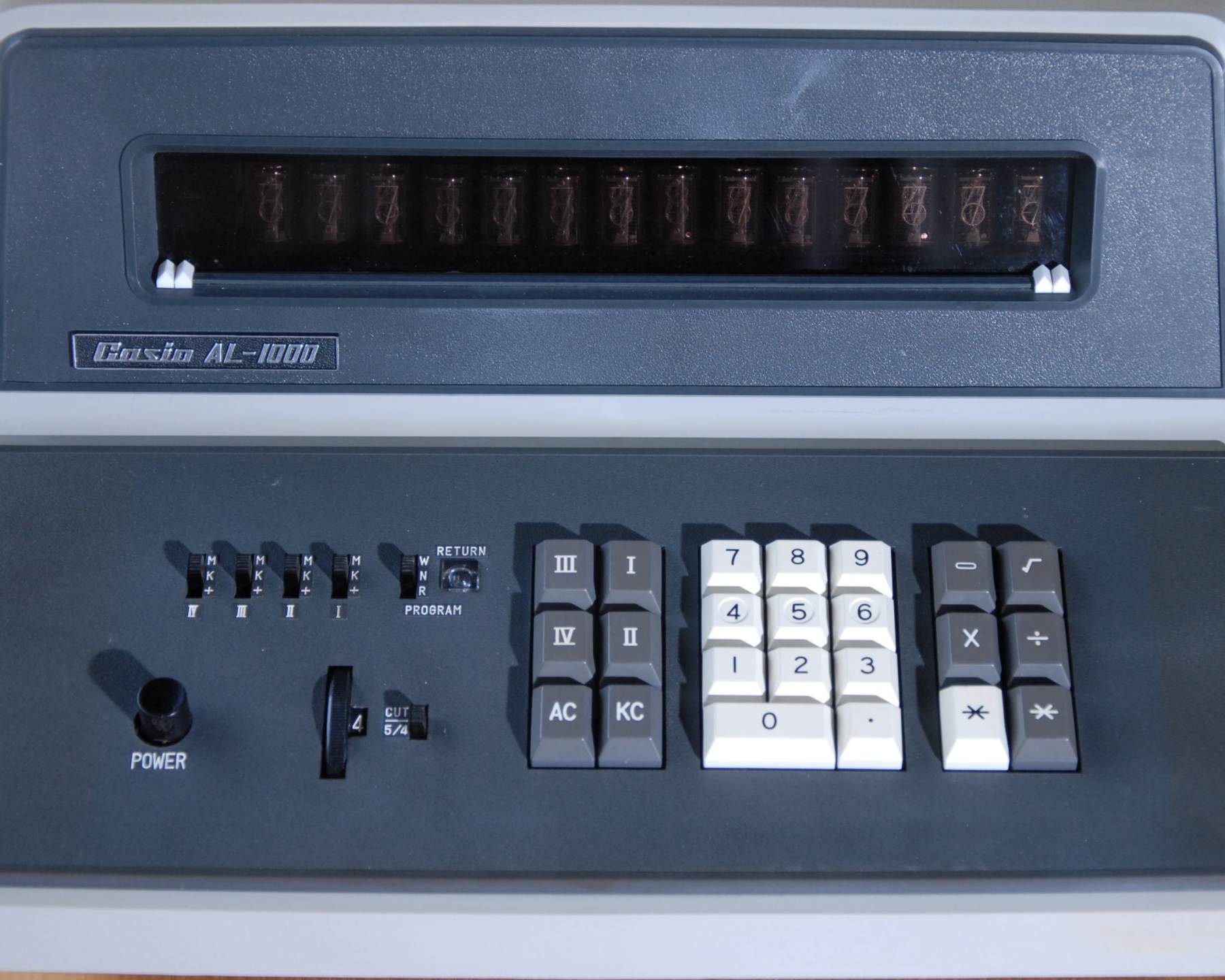
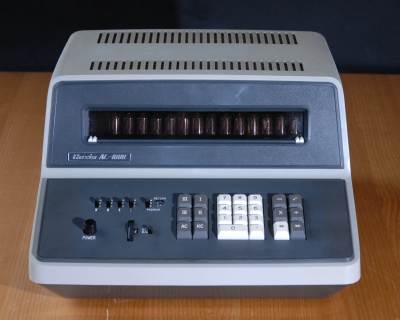
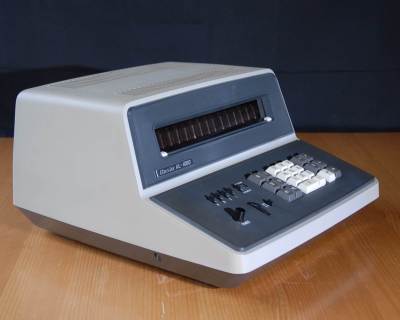
The Casio AL-1000 was introduced in October 1967. It was Casio's second all-transistor 4-function calculator.
As was often the case in the dawn era, many of its claimed features were limited by the available technology of the day.
- Selectable Decimal Resolution, but No Overflow Detection
- A thumbwheel allowed up to 8 digits of decimal precision to be selected and in some cases the grey "star" key could be used to generate a maximal decimal precision result. However, the calculator lacked any means to detect overflow from the most significant digit. So, if eight digits to the right of the decimal were selected and a result was generated with more than six digits to the left of the decimal, the additional digits were discarded without warning and a grossly wrong result would be displayed.
- Four Numeric Memories
- The keys marked I - IV gave access to four storage locations and four slide switches set each to an accumulating mode or a fixed constant storage mode. Use of these registers was severely limited: registers III and IV were only 7 digits long and register II was destroyed if a division operation was performed.
- World's First Programmable Calculator
- Casio claimed this world first but it is clear that the Olivetti Programma 101 holds this distinction, having been released in 1965 and having branch and loop instructions. Programming in the Casio AL-1000 was limited to the simple storage of keycodes that could be replayed in a single linear sequence.
- Single Key Square Root
- The square root implementation was robust but did not respect negative numbers, all inputs were treated as positive and all results were positive
The AL-1000's operator had to be constantly aware of the restrictions and limitations described above. Results could be
- silently truncated in the "small" registers III and IV,
- silently destroyed in register II if the divide key was pressed, or
- silently corrupted by numeric overflow at any time.
The operator's role was more like that of an early computer programmer, tailoring the solution to the known capabilities of the machine and constantly monitoring the output to ensure that errors had not crept in.
Calculating with the AL-1000
The AL-1000 follows an "arithmetic" operating protocol where the first operand is entered, then the relevant operator, then the second operand and the result is generated when the "equals" key is entered. Attempting the sequence "2 plus 2 equals 4" reveals that there is no "plus" key and attempting "2 times 3 equals 6" begins more promisingly but then reveals that there is no "equals" key!
Inspecting the keyboard reveals two cryptic keys with the same "star" marking, one white and one gray. These multipurpose keys act as plus, minus, equals and decimal resolution operators according to the current state of the machine:
- White Star
- When the First Operand is displayed: Acts as a "plus" operator, commencing an addition
- When the Second Operand is displayed: Acts as "equals" and rounds the result
- Gray Star
- When the First Operand is displayed: Acts as a "minus" operator, commencing a subtraction
- When the Second Operand is displayed: Acts as "equals" and preserves full decimal resolution
With this information it is possible to perform 4-function arithmetic:
- 2 "white star"[begin addition] 2 "white star"[equals] 4
- 2 "times" 3 "white star"[equals] 6
- 12 "gray star" [begin subtraction] 4 "gray star"[equals] 8
- 20 "divide" 5 "white star"[equals] 4
Negative Numbers
The AL-1000 handles and displays negative numbers and correctly follows the arithmetic rules for addition, subtraction, multiplication and division. The "minus" key changes the sign of an operand during entry but does not operate otherwise. To change the sign of a displayed result, the operator must formally multiply it by -1.
Square Root
The square root key immediately generates a full decimal resolution square root from the number in the display. This result will fill the resolution of the calculator and any further operations that increase the order of magnitude of the result will cause silent overflow. To avoid this fruitful source of errors, the square root key can be immediately followed by "white star" to reduce the decimal resolution. The square root function ignores the sign of the operand, treating all operands as positive.
Decimal Resolution Setting and Truncation/Rounding
The number of digits to the right of the decimal point can be controlled with two settings:
- Decimal Selection Wheel
- Directly sets the number of digits to display: 0,2,---13
- Cut/Round Switch
- Selects between simple truncation of decimal digits or rounding of the final digit upwards if the first discarded digit is 5 or more
Decimal selection and rounding is applied on a case to case basis according to the use of the "star" keys:
- White Star applies the decimal and rounding settings to the result
- Gray Star generates a decimal result to the full 14 digit resolution of the calculator
Memories
Four memory registers are provided, the I, II, III and IV keys function according to the current machine state:
- Result in Display, waiting for new operand
- New Operand in Display, waiting for operation key
Three operating modes are available for each memory, set by a slide switch for each
- Normal Simple store and recall
- Constant Read only mode where the same value is protected for multiple recall
- Accumulate New entries are added to the current value of the memory
Three of the memory registers have restrictions and care must be taken as there is no indication if any of these are encountered:
- Memory II is destroyed by any division operation
- Memory III & IV are only 7 digits long
Errors and Error Handling
The AL-1000 is subject to a number of error modes, most of which are silent with no operator indication, and all of which are unrecoverable.
- Divide by Zero results in an endless working loop in the display. All Clear key is required to terminate.
- Silent Overflow If the magnitude of a result exceeds 14 digits, the excess digits to the left are discarded with no indication of error and calculations may continue. This is particularly insidious where a division or a square root may fill most of the digits with an extended decimal result and then a multiplicatioon causes a large increase in magnitude. A gross error can easily result, with no warning.
- Memory Overflow and Destruction
Programming the AL-1000
Moving the P/N/R switch to P allows the recording of up to 28 keystrokes. These can be replayed once by the run command. There are no facilities for conditional branching and no jump or loop instructions so the programming facility is somewhat limited. The only sophistication is the ability to pause a replay for intermediate results to be copied down or for additional operands to be supplied. The program designer must also guard against the silent error modes listed above, lest the program run but generate wrong results.
The actual programming method is quite rudimentary: the table below describes the correspondence between operations that are available in program mode and the keystroke that is entered to represent that operation. Since each program step is represented as a single digit, the combination of a number and a decimal point is used to represent further operations after the ten single digits have all been assigned.
| 1 Change Sign | 2 Add | 3 Subtract |
| 4 Memory I | 5 Memory II | 6 Memory III |
| 7 Memory IV | 8 Multiply | 9 Divide |
| 2. All Clear | 3. Clear Entry | 4. Square Root |
| 5. Internal Logic - Do Not Use | 6. Pause | 7. Halt, Program End |
Casio AL-1000
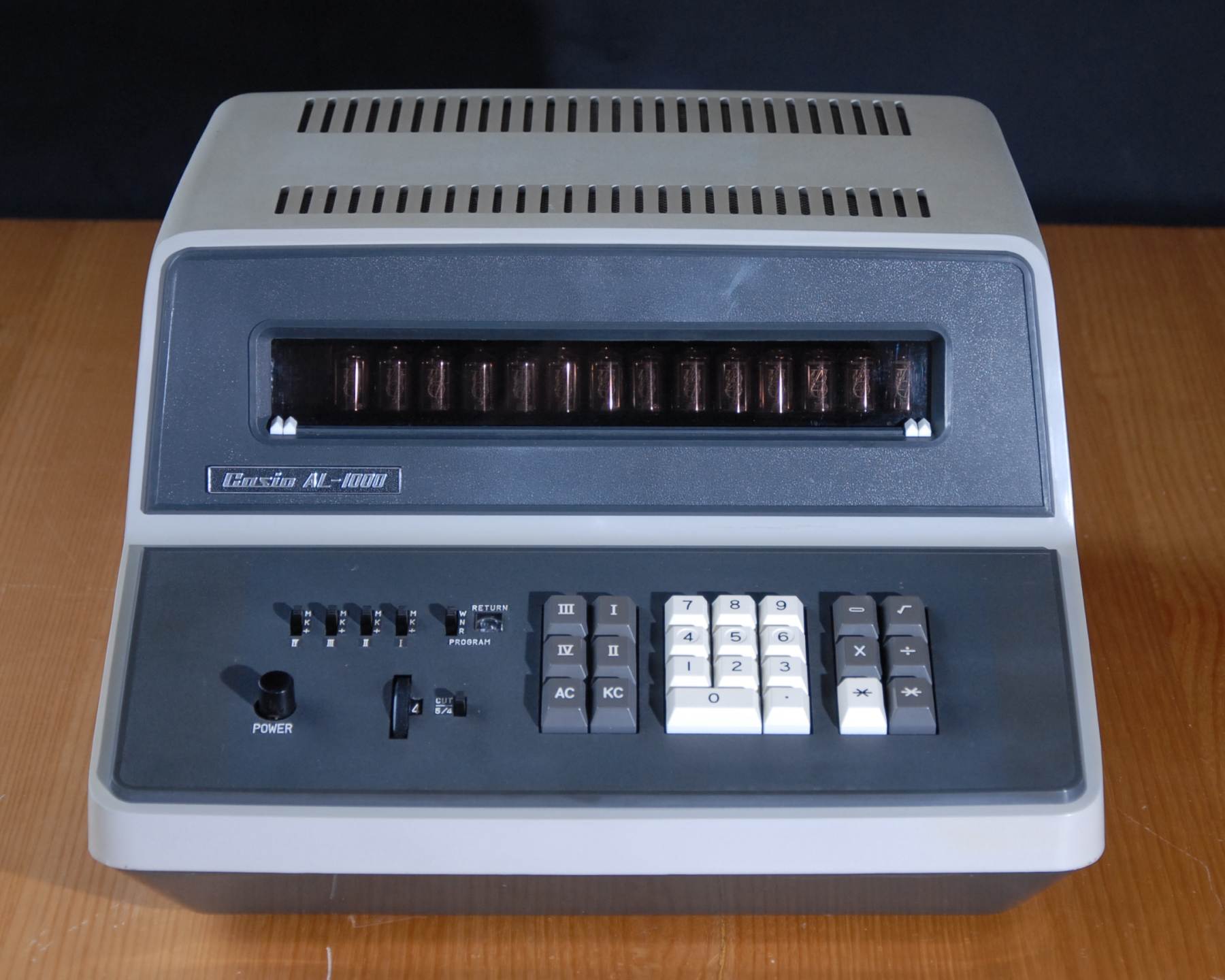
Casio AL-1000
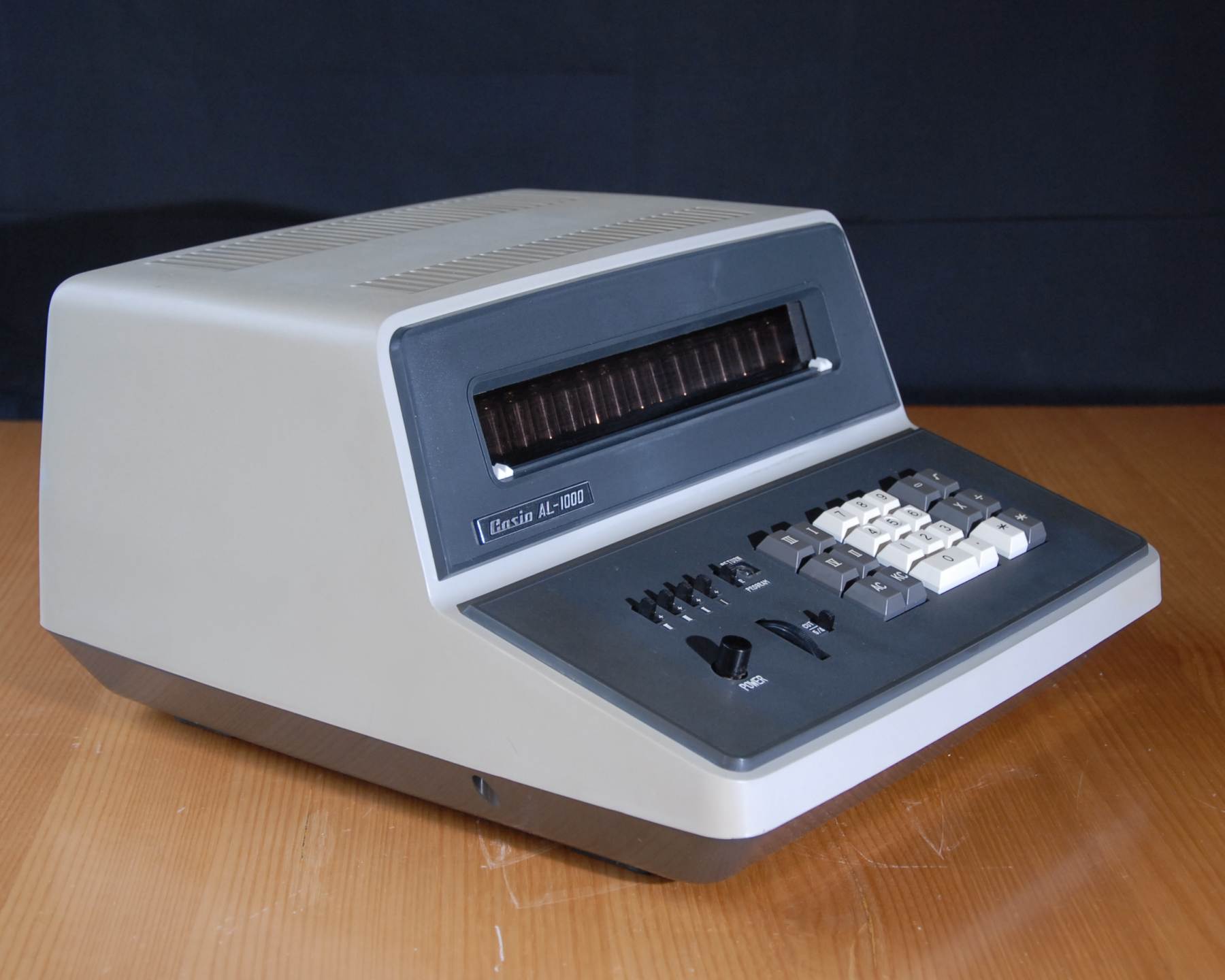
Casio AL-1000